
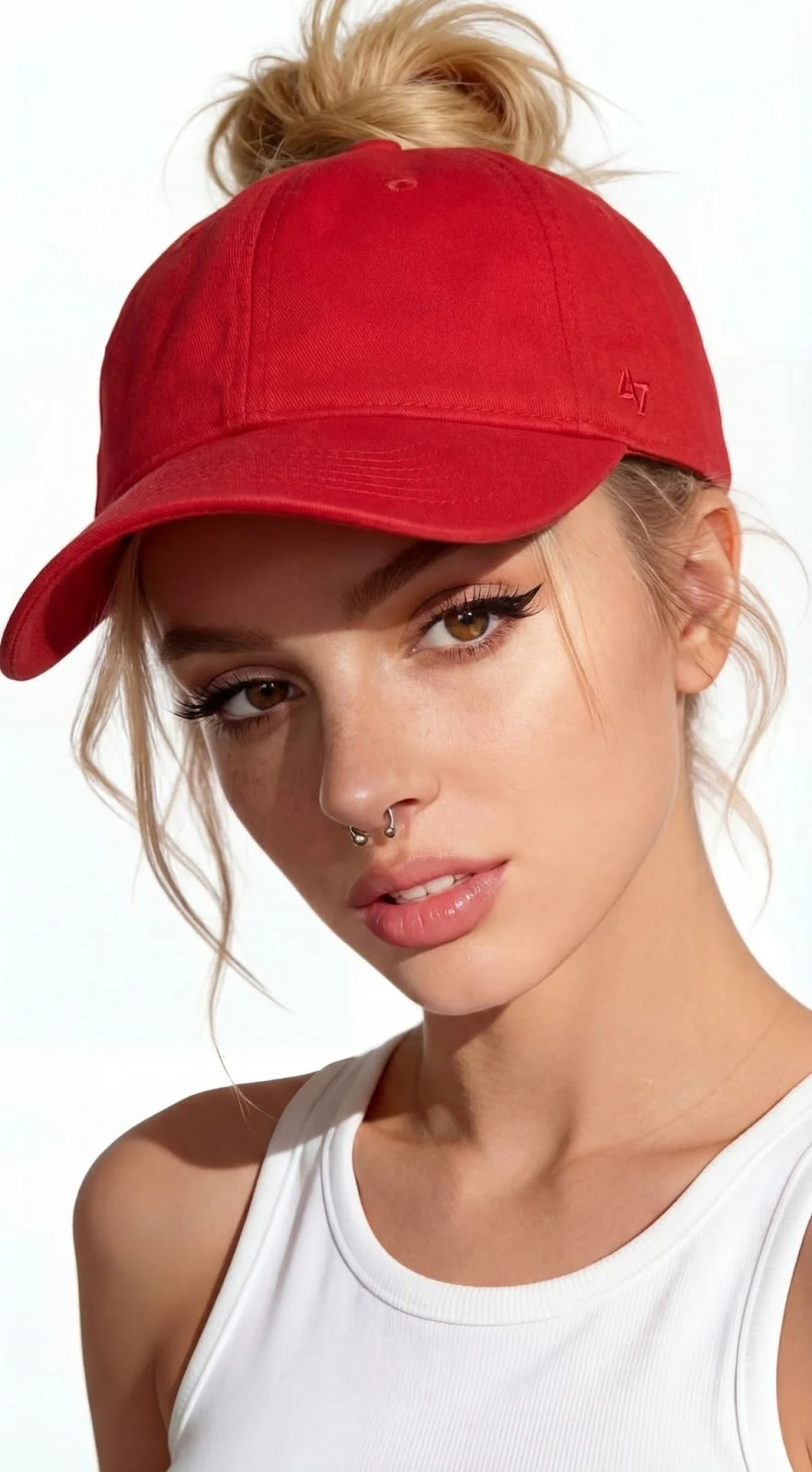
I've been testing APOB AI for the past three months to create digital content and AI influencers, and I want to share my honest, hands-on experience.
Full disclosure: I am a paid subscriber. While this tool has some impressive features, it’s not perfect. The digital landscape is flooded with "AI video" tools right now, but for businesses and creators, the holy grail is photorealism—videos that actually look like real life, not like a video game.
APOB AI claims to be at the forefront of this, so I put it to the test to see if it could really replace a traditional camera crew. Here is what I found.
The "Realism" Test: My Observations
Photorealistic video isn't just about high resolution; it's about the "uncanny valley." Does the skin texture look plastic? Do the eyes look dead?
In my experience, APOB AI handles these nuances surprisingly well. I used their model training feature to create a digital spokesperson for a product demo. The result? My audience didn't realize it was AI. The engagement on that post was significantly higher than my usual animated explainer videos. The skin texture, the way the light hits the face, and the micro-expressions felt genuine. It’s a massive step up from the "robotic" avatars I’ve seen on other platforms.
Guide: How I Generate Video with APOB AI (The Real Workflow)
Unlike traditional animation software where you have to manually rig a skeleton, APOB AI is generative. This means you guide the AI, and it does the heavy lifting. Here is the workflow I use:
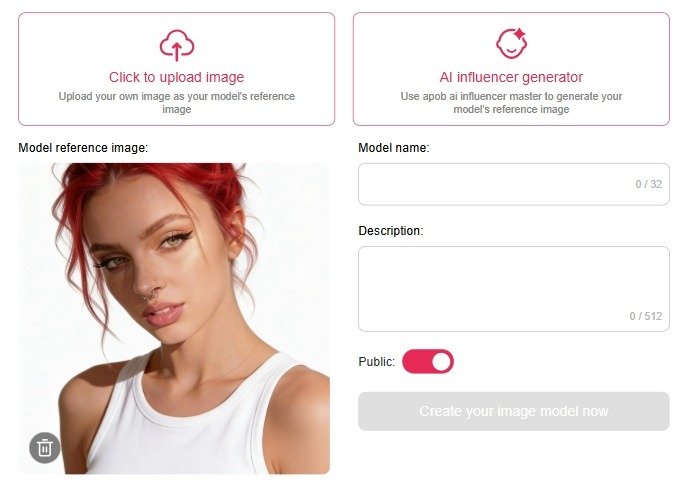
Step 1: Train Your Consistent Character
This is APOB's strongest feature. Instead of generating a random person every time, I trained a specific "Model" (let's call her 'Sarah').
My Process: I uploaded clear photos of the persona I wanted. The AI learned her face. Now, whether I put 'Sarah' in a coffee shop or a boardroom, she looks like the same person. This consistency is crucial for building a brand.
Step 2: Create the Scene (Text-to-Image / Templates)
I don't need to build a 3D set. I simply use the "Expert" feature or select a template.
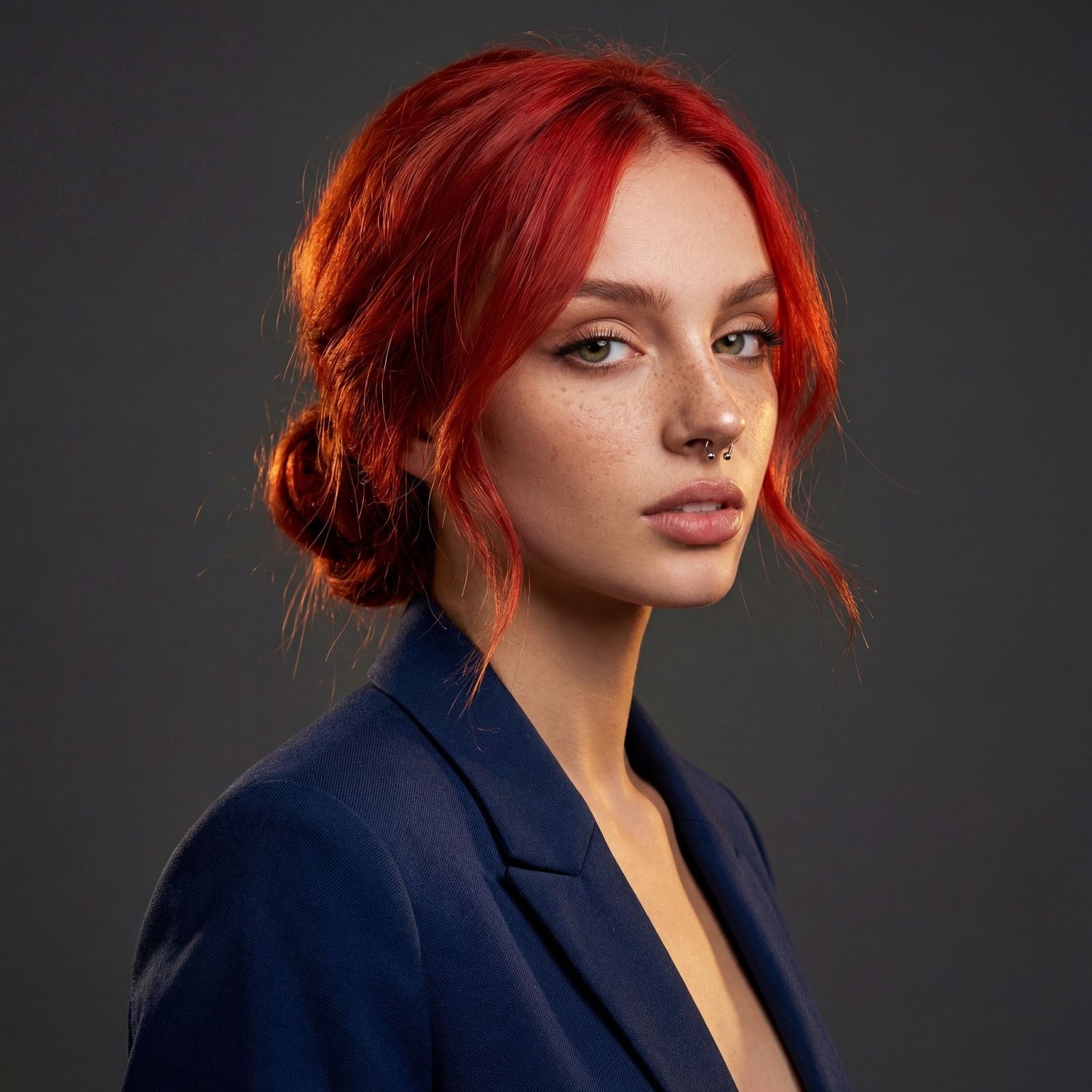
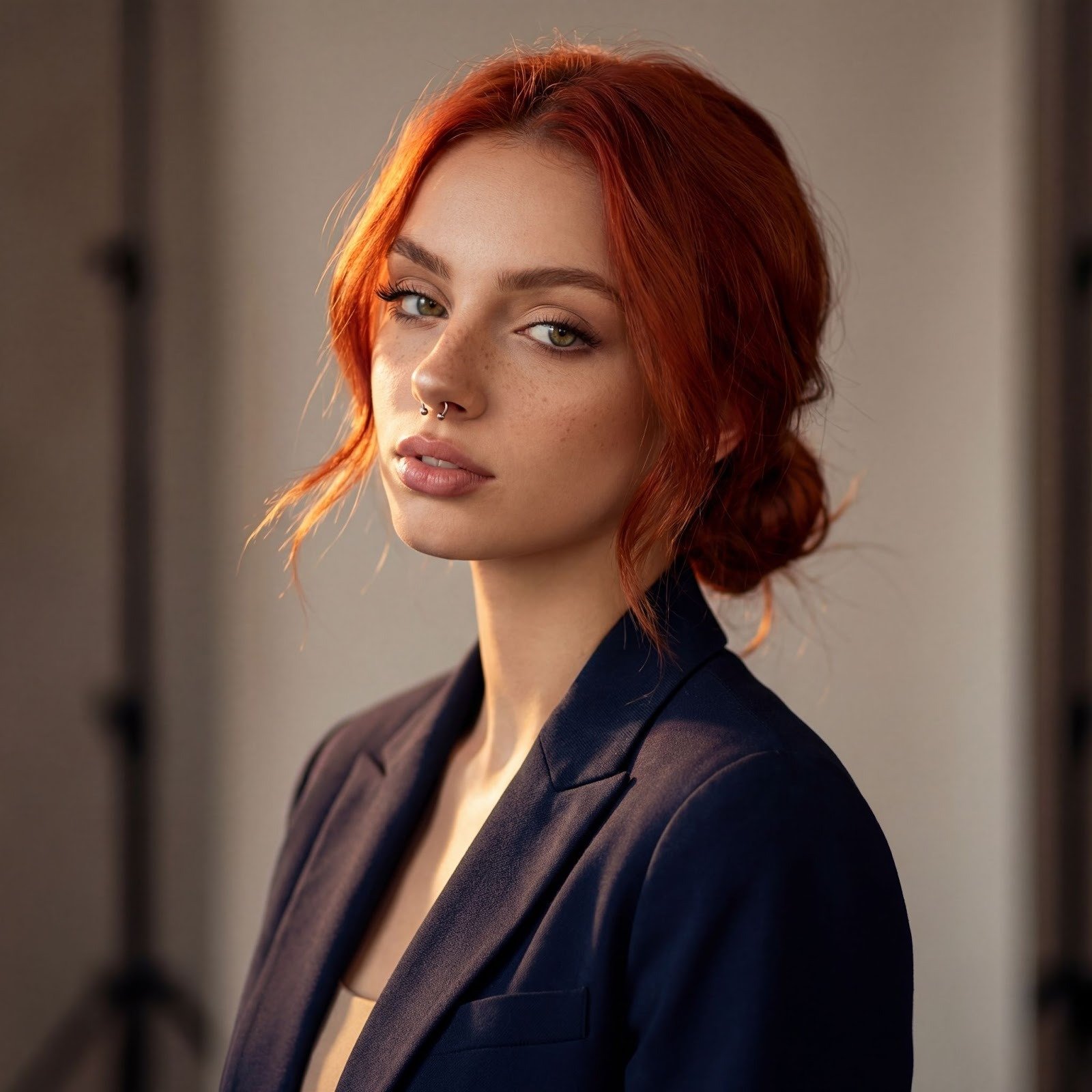
Prompting: I type exactly what I want: "A professional studio setting, warm lighting, wearing a navy blazer."
Result: The AI generates 'Sarah' in that exact setting.
Step 3: Turn Image to Video
This is where the magic happens. I take the static image from Step 2 and use the "Image to Video" tool.
Motion Control: Instead of manual keyframes, I use text prompts like "Looking at the camera, talking naturally, slight hand gesture."
Lip Sync: I upload my script (or use their TTS voice), and the AI animates the mouth to match the audio perfectly.
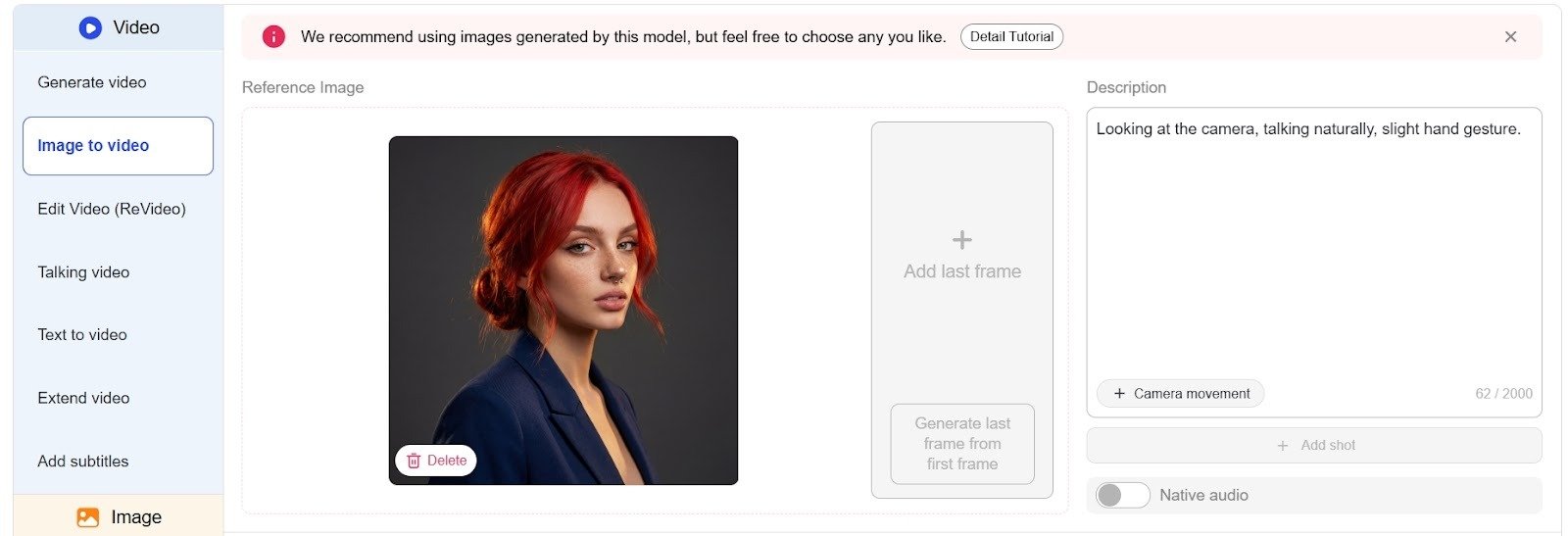
Step 4: Refine and Export
I usually generate 2-3 variations because AI can be unpredictable. Once I pick the best one, I upscale it.
Export: I download in MP4 format. The rendering time for high-quality video usually takes a few minutes, but the 4K quality is worth the wait.
APOB AI vs. The Competition
I’ve tried Synthesys and HeyGen, and here is my take:
Synthesys/HeyGen: Better for "talking heads" in corporate training. They are very stable but look a bit stiff and "stock photo-ish."
APOB AI: Much better for creative, social media, and influencer content. The visuals are more artistic, cinematic, and "Instagram-ready." If you want aesthetic beauty and character consistency, APOB wins.
The Verdict: Pros and Cons
To keep this review balanced, here are the highs and lows of my subscription.
✅ The Pros
Insane Photorealism: The skin pores, hair strands, and lighting are top-tier. It doesn't look like a cartoon.
Character Consistency: This is the killer feature. Being able to use the same face across different videos is a game-changer for storytelling.
Ease of Use: I didn't need to learn 3D software. If you can type a prompt, you can use this.
Cost: Compared to hiring a model, renting a studio, and buying lights, the subscription pays for itself in one video.
❌ The Cons (The "Not Perfect" Part)
Generation Time: High-quality AI takes time to render. Don't expect instant results; give it a few minutes.
Trial and Error: Because it's generative AI, sometimes the hands look weird or the movement isn't exactly what I imagined. You might need to re-roll (regenerate) a few times to get it perfect.
Motion Limits: It's great for talking and subtle movements, but don't expect it to do complex gymnastics or backflips perfectly yet.
Final Thoughts
The journey into photorealistic video generation is just beginning, but APOB AI has become a staple in my content toolkit. It bridges the gap between "expensive production" and "accessible AI."
If you are a content creator or brand looking to scale your video production without sacrificing visual quality, I highly recommend giving it a shot. It’s not just about saving money; it’s about creating content that was previously impossible.